Friendship Days Updates: How We Share News and Announcements
If you have ever hunted for event news by opening five tabs, checking one screenshot, and immediately distrusting all of them, this guide is for you. Updates should feel like a bulletin board, not a scavenger hunt with worse lighting.
When people look for Friendship Days updates, the questions are usually practical: Where do announcements appear first? How often should I check? What if I cannot find the detail I need? Is there a simple way to follow new posts without babysitting the site? Those are the right questions because clear communication is not decoration. It is the boring magic that keeps plans from turning into guesswork.
Good update habits also make it easier to dodge rumor ping-pong. Guidance from the Cybersecurity and Infrastructure Security Agency and the News Literacy Project both point back to the same mental shortcut: slow down, check the original source, and do not treat every repost like gospel just because it arrived wearing punctuation. That matters for local event updates too.
In this article, I will show you what kinds of updates usually appear, where to check first, how often to look, what to do if the answer is missing, and how to avoid the classic “my cousin saw a screenshot” information spiral. The goal is simple: less chaos, more confidence.
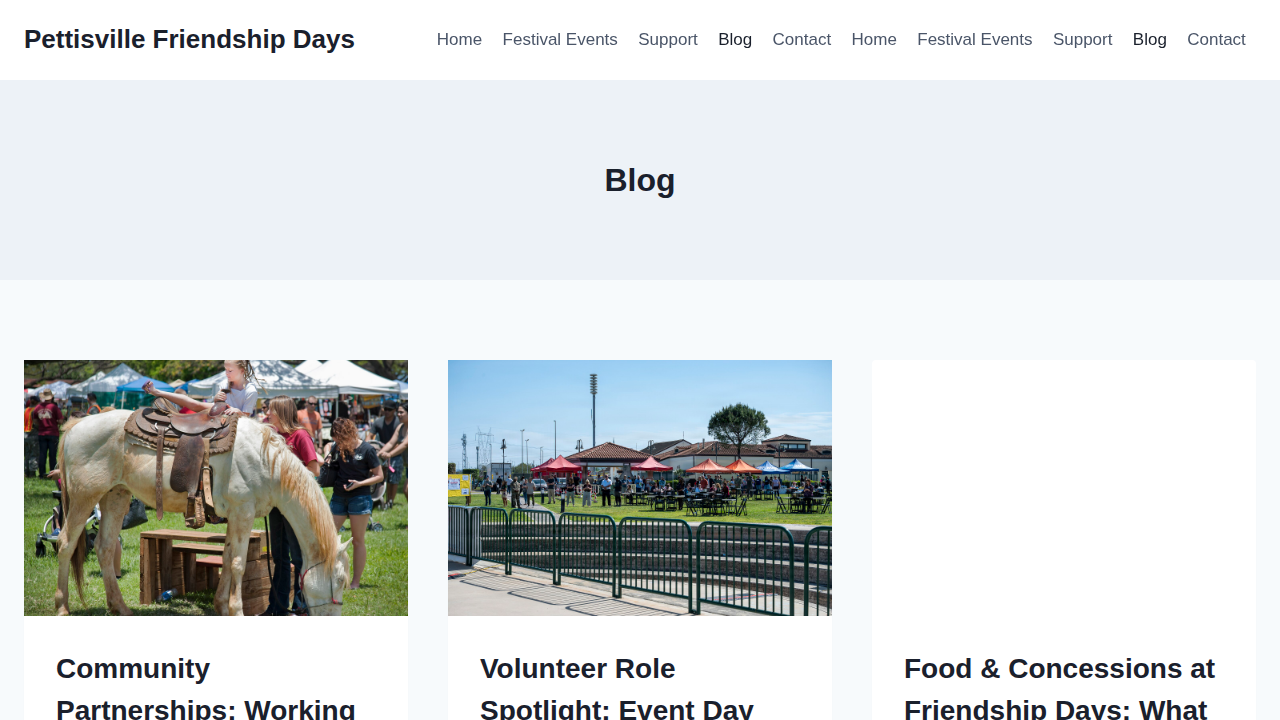
What kinds of updates show up?
Think of Friendship Days updates as three lanes on the same road. They are related, but they do different jobs.
1. Event updates
These are the big-picture announcements: dates, timing changes, festival-area details, public reminders, and general planning notes. If something affects visitors broadly, this is the category to expect first. When one detail changes for everyone, it belongs in the official public update stream.
2. Volunteer calls
Some updates are more operational. These include requests for setup help, cleanup coverage, check-in support, activity staffing, or other hands-on roles. Volunteer notes are often more specific than general event posts, so it is normal for them to read less like a parade poster and more like a to-do list that learned manners.
3. Friendly reminders
Reminders are the small but useful posts: where to look for schedules, when to double-check before visiting, or how to contact the team if something is unclear. These are not dramatic updates, and that is fine. Not every announcement needs to arrive on a flaming horse.
| Where to check | Best for | What you will usually find |
|---|---|---|
| Home page | Fast overview | High-level event information and the most visible public updates |
| Blog | Detailed announcements | Longer update posts, planning notes, volunteer guidance, and reminders |
| Contact | Questions that need a person | Clarification when the site does not answer a specific timing or participation question |
| RSS feed | Readers who like automatic tracking | New blog posts delivered through a feed reader instead of manual checking |
Where to check first
If you only remember one thing, make it this: start with the official site, not the forwarded screenshot. The Blog page is the best place to look for announcement-style posts because it collects update content in one place. The Home page is better when you want the fastest top-level view.
Use the Contact page when you need a human answer, especially for questions that depend on your situation rather than a general public notice. If you are volunteering, coordinating a group, or trying to confirm a detail that affects travel or timing, direct contact is the grown-up move.
How often should you check?
There is no prize for refreshing a community site like it is a ticket drop. A simple rhythm works better:
- General interest: check the site occasionally when you are planning ahead or waiting for season updates.
- The week before attending or helping: check once or twice for fresh reminders, schedule notes, or role-specific details.
- The day before and the day of: check the official site again if your plans depend on current timing.
That routine keeps you informed without turning “looking for updates” into a full-time emotional support tab.
How to follow updates without making it weird
If you like a low-maintenance system, choose one of these tiny but useful habits:
- Bookmark the Blog page and check it when you are actively planning.
- Keep the Home page as your first stop for broad public info.
- If you already use a feed reader, subscribe to the site feed. WordPress includes built-in feeds, and the WordPress documentation on feeds gives a plain-English overview of how they work.
The best system is the one you will actually use. A bookmarked page beats a complicated setup you abandon after three days and one cup of coffee.
What to do if you do not see the information you need
Sometimes the question in your head is more specific than the public post on the page. That does not mean the site failed. It usually means your question belongs in direct contact instead of public copy.
Use this quick sequence:
- Check the Blog for recent announcement posts.
- Look at the Home page for broad event info or featured updates.
- If the answer is still missing, use Contact and ask the exact question you need answered.
Specific questions get better answers when they arrive with specifics. “What time should volunteers report for setup?” is easier to answer than “Any updates?” The second one sounds like a vague weather system.
How to avoid misinformation and sketchy update trails
This part matters because local event updates can get scrambled in the same ways larger news does, just on a smaller stage and with more group texts. If a detail affects your travel, timing, or volunteer plans, verify it against the official site.
Three rules help:
- Treat screenshots like clues, not proof. A screenshot can be old, cropped, or missing context. Use it as a prompt to check the live page, not as the final word.
- Watch for suspicious links or messages. If an update arrives through an odd email, direct message, or shortened link, pause before clicking. The FTC’s phishing guidance is a solid reminder that familiar-looking messages can still be fake.
- Compare information to the source closest to the event team. The News Literacy Project recommends slowing down and assessing the source before sharing. That habit is not only for national headlines. It is equally useful when someone reposts a date graphic with zero context and maximum confidence.
If Friendship Days ever shares updates through outside channels, use the link published on the site to find the official version. A copied post without a clear source is a sticky note, not a filing cabinet.
Three common update scenarios
You are attending as a visitor
Start with the Home page for broad information, then open the Blog if you need a fuller update. Check again shortly before you go if timing matters.
You want to volunteer
Look for recent volunteer-related posts on the blog first, then contact the team directly if you need role-specific details. Volunteer coordination usually lives in the space between “public info” and “real logistics,” which is why direct communication still matters.
You saw a post shared somewhere else
Open the official site and confirm the same information there. If you cannot match it to a public page or recent blog post, treat it as unverified until you hear directly from the team.
A simple update routine that works
If you want a one-minute system, here it is:
- Use the Blog for announcements.
- Use the Home page for the quick overview.
- Use Contact when the question is specific or time-sensitive.
- Use the RSS feed if you prefer updates to come to you.
- Verify shared screenshots or forwarded messages before acting on them.
That is it. No dashboard acrobatics. No rumor archaeology. Just a repeatable path that helps you find the right information with less friction.
Key takeaways
- Friendship Days updates usually fall into event announcements, volunteer calls, and reminders.
- The official site should be your first stop, especially the Home page and Blog.
- Check more often when your plans are close, not constantly out of habit.
- Use Contact when the site does not answer your exact question.
- Verify screenshots, forwarded messages, and unfamiliar links before trusting them.
The easiest way to stay informed is to build one small habit and keep it. Try this once: bookmark the Blog, check it when you are making plans, and use Contact the moment a detail needs a real answer. Tiny but useful beats elaborate but abandoned every time.