How to Host a Booth at Friendship Days (Requirements & Tips)
A good festival booth does not happen by accident. It works because someone decided in advance what the booth is for, what visitors need, and what the team can realistically manage from first setup to final cleanup.
If you are thinking about hosting a booth at Friendship Days, the usual questions are practical ones: What kind of booth makes sense for my group? What should I bring? How much staffing is enough? What details should I share before the event? Those are the right questions because a booth is a small operation, not just a folding table with hopeful energy.
That planning mindset is not unique to community festivals. The U.S. Small Business Administration’s trade show guidance emphasizes preparation, clear goals, and measuring what works. The ADA National Network’s guide to temporary event accessibility is a useful reminder that layout, circulation, and visitor access are not afterthoughts. Context matters, but the core lesson is steady: successful booths are built on purpose, readiness, and respect for the people walking up to them.
In this guide, I will walk through the main booth types, what to bring, how to set up your space, how to staff it well, and how to approach cleanup and follow-up. I will also close with a simple, careful way to ask about current Friendship Days booth opportunities through the site’s existing contact channels.
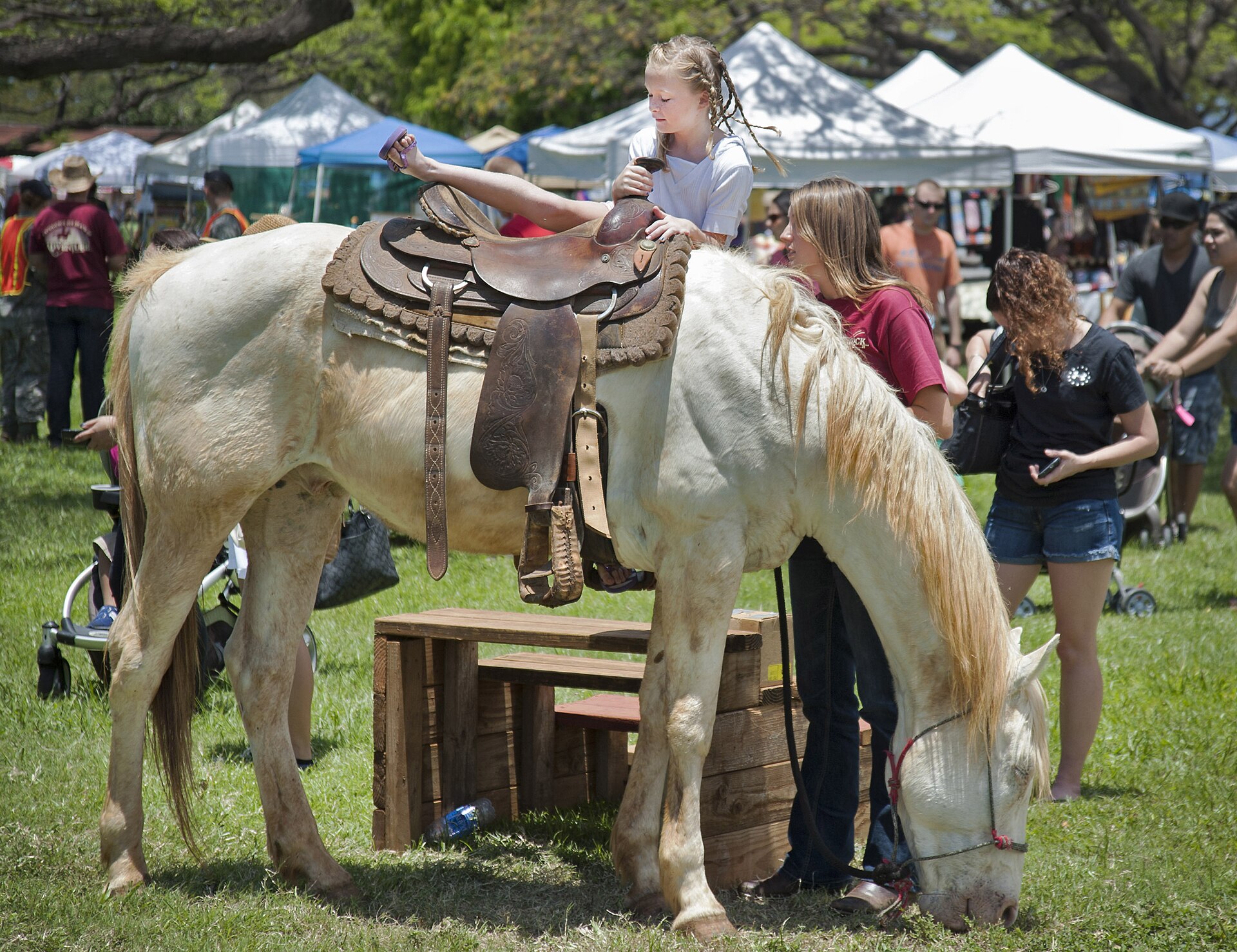
Define your booth before you pack a single bin
The first useful takeaway is simple: choose one main purpose for the booth. You can still have personality, conversation, and supporting materials, but the visitor should understand the core function quickly. If your booth tries to be an activity station, an information desk, a fundraiser, and a mini-store all at once, the result is usually clutter instead of clarity.
For Friendship Days, most booth ideas fit into three broad types:
| Booth type | Best fit | What visitors expect | What to prepare |
|---|---|---|---|
| Activity booth | Hands-on engagement | A simple experience they can join quickly | Supplies, queue flow, cleanup plan, clear instructions |
| Information booth | Community groups, ministries, clubs, organizers, outreach teams | Friendly conversation and useful take-home information | Printed materials, sign-up sheet, talking points, visible signage |
| Sales booth | Makers, food sellers, fundraisers, merchandise tables | Clear products, prices, and an orderly checkout rhythm | Display setup, inventory plan, payment method, packaging, cash handling process |
An activity booth works best when the task is easy to understand. A craft table with one featured activity is easier to manage than five small activities competing for space and attention. An information booth should feel welcoming rather than passive. A sales booth should make browsing and asking questions feel simple, not awkward.
I would also recommend naming your goal in one sentence before you do anything else. For example:
- Activity booth: “We want families to stop, stay for five minutes, and leave with something they made.”
- Information booth: “We want visitors to understand what our group does and know how to follow up after the event.”
- Sales booth: “We want shoppers to see our products clearly, ask questions comfortably, and complete purchases without confusion.”
That sentence becomes your filter. It tells you what belongs on the table, what can stay home, and how your staff should spend their time.
What to bring: the booth kit that saves you trouble later
Most booth problems are boring, which is good news. Boring problems can be prevented. The safest approach is to build a written packing list and assign one person to confirm it before the event. The SCORE marketing plan guide is aimed at small business planning, but the useful takeaway applies here too: preparation works better when it is documented instead of remembered loosely.
At minimum, most booths should think through these categories:
1. Structure and furniture
- Table or tables sized for your display
- Chairs for staff, if appropriate
- Table covering that looks intentional and stays in place
- Weights, clips, or basic stabilizers for outdoor conditions if needed
2. Signage and visitor-facing information
- A readable sign with your booth name or purpose
- Simple pricing or donation information if relevant
- Short printed handouts, flyers, or sign-up cards for information booths
- A visible explanation of the activity if your booth is hands-on
Good signage answers the visitor’s first silent question: “What is this?” If your booth needs a spoken explanation before anyone can even understand the category, the sign is doing too little.
3. Activity, display, or sales supplies
- Products, samples, demonstration materials, or activity supplies
- Containers, trays, baskets, or stands that keep the table orderly
- Pens, tape, scissors, clips, markers, and spare paper
- Small repair items for signs or display issues
A booth should look stocked but not overcrowded. Visitors need room to see, point, browse, and ask questions without feeling as though they are reaching into a storage closet disguised as a tabletop.
4. Staff comfort and continuity items
- Water and simple snacks for the team
- A basic shift schedule
- A phone charger or battery pack
- A small notepad for questions, requests, or follow-up names
These items are easy to forget because they do not look like booth equipment. They still matter. A tired, rushed booth team makes more mistakes and gives shorter, less useful answers.
5. End-of-day cleanup supplies
- Trash bags
- Wipes or paper towels
- Storage bins or boxes for packing leftovers
- A checklist for what must leave with your team
If you pack for cleanup before the event starts, cleanup becomes a routine instead of a scramble. That is a small professional habit, but it leaves a noticeably better impression.
Space and setup basics: make the booth easy to approach
The next question is not only what goes into the booth, but how the space works when real people start using it. Booth layout is where good intentions either become a smooth visitor experience or collapse into a knot of chairs, bags, and elbows.
A practical setup usually follows three simple rules:
- Keep the front edge clear enough for conversation. Visitors need a natural place to pause without blocking everything behind them.
- Give the main attraction the best visual space. Put the featured activity, product line, or sign where a passerby can identify it quickly.
- Separate public space from staff storage. Extra inventory, water bottles, personal items, and backup supplies should not dominate the visitor view.
If your booth includes interaction, think about flow. Where does someone start? Where do they stand while waiting? Where do finished materials or purchases go? Even a very small booth benefits from having a visible beginning and end.
The accessibility point is worth stating plainly. The ADA National Network resource is helpful because it treats temporary events as real visitor environments, not casual exceptions. A useful takeaway for any booth host is to leave enough room for approach, conversation, and movement. In practice, that means avoiding narrow cluttered fronts, keeping the main sign readable, and making it easy for people to engage without awkward barriers.
For broader event context, the site’s Festival Events page is the best internal place to watch how public-facing event information is described. If your booth idea depends on traffic patterns, timing, or nearby activities, that page is a useful starting point before you reach out.
Staffing expectations: enough people, clear roles, calm handoffs
A booth can survive imperfect decor more easily than it can survive thin staffing. Visitors notice when no one is ready to answer a question, when one volunteer is trying to run every task alone, or when the booth goes functionally dark because someone stepped away at the wrong time.
Most booths work better when staffing is planned around roles rather than just headcount. Here is a simple model:
| Role | Main job | Best for |
|---|---|---|
| Greeter | Welcomes visitors and explains the booth quickly | Information booths and activity booths with steady traffic |
| Operator | Runs the activity, answers detailed questions, or handles product knowledge | Activity booths and sales booths |
| Support person | Restocks, tidies the table, relieves teammates, and helps with transitions | Any booth that expects sustained traffic |
Not every booth needs three people at once, but most booths benefit from having those responsibilities covered somehow. If you only have two people, decide in advance who shifts into support tasks when the table gets busy.
It also helps to prepare a short shared script. Nothing stiff, just a few points everyone can say clearly:
- Who you are
- What the booth offers
- How long the activity takes, or what the product/information is
- What the next step is for someone who wants to learn more
Friendly booth hosting is usually less about “sales talent” and more about being present, attentive, and clear. A warm greeting matters. So does knowing when to give visitors a little space to look around before launching into the full explanation. The right tone is inviting, not hovering.
If you expect staggered shifts, write down who arrives when, who covers breaks, and who is responsible for opening and closing tasks. Handoffs are where details disappear if nobody owns them.
Clean-up and responsible hosting: leave the space better than you found it
Responsible hosting is partly practical and partly relational. A tidy booth is easier to run during the event, and a clean exit signals respect for the event as a whole. This matters whether your booth is informational, activity-based, or sales-focused.
A clean-up plan usually needs five parts:
- A closing checklist: what gets packed, counted, thrown away, or taken back for storage
- Surface cleanup: wipe tables, remove scraps, and collect stray materials
- Waste control: bring your own bags so trash does not become somebody else’s surprise
- Leftover plan: decide in advance what happens to extra materials, products, or handouts
- Final walkthrough: one person checks the ground and booth footprint before the team leaves
During the event, responsible hosting also means resetting the booth as you go. Restack flyers, clear empty cups, straighten signs, and remove clutter before it builds up. Small resets every 20 or 30 minutes are easier than one heroic cleanup attempt at the end.
If your booth includes children’s activities or hands-on materials, keep used supplies and fresh supplies distinct so the table stays understandable. If your booth involves purchases or sign-ups, protect the paperwork from spills and random wind-blown chaos. Those details are not glamorous, but they help your booth feel cared for.
The useful takeaway is this: a well-run booth is not only attractive at the start of the day; it stays functional through the middle and leaves cleanly at the end.
How to apply or ask about booth participation
Because public participation details can change over time, the safest approach is to use the site’s current contact path rather than assume an old form, fee, or requirements list is still active. If you want to host a booth, start with the Contact page and use the Support page if you need more general participation context first.
When you reach out, include the details that help the Friendship Days team understand your request quickly:
- Your name and organization, if applicable
- The type of booth you want to host: activity, information, or sales
- A one- or two-sentence description of what visitors will experience
- How much space you expect to need
- Whether you plan to bring your own table, chairs, signage, and supplies
- Any setup needs that affect placement or timing
- Your preferred contact information for follow-up
If your first message covers those points, the reply can move faster because the team does not have to start by asking the basics. That is often the difference between a short useful exchange and a six-email staircase.
It is also wise to ask clear, bounded questions. Good examples include:
- “Are booth applications currently open?”
- “Is this booth idea a better fit as an activity booth or an information booth?”
- “Should participants plan to bring their own tables and chairs?”
- “Is there a preferred contact window for booth questions?”
Notice what is missing from that list: assumptions about fees, permits, or guaranteed placement. If the site has not published those details, do not build your plan around guesses. Ask directly and work from the current answer.
A practical booth plan you can use right away
If you want the short version, here is the planning sequence I would use:
- Choose one primary booth purpose.
- Write a simple booth goal in one sentence.
- Build a packing list for furniture, signage, supplies, comfort items, and cleanup materials.
- Sketch the table layout so visitors can understand the booth quickly.
- Assign staffing roles and handoff coverage.
- Contact Friendship Days with a concise booth description and your practical questions.
That process will not make every event detail effortless, but it will remove most of the predictable friction. And that is usually what good preparation is for: not perfection, just fewer preventable problems.
Key takeaways
- Choose one main booth type: activity, information, or sales.
- Bring the basics on purpose: tables, signage, supplies, staff support items, and cleanup materials.
- Design the space for flow: clear front access, visible purpose, and less clutter.
- Staff the booth by role, not guesswork: greeting, operating, and support tasks should all be covered.
- Leave a good impression at the end: tidy as you go and pack out responsibly.
- Use current site contact channels for application questions: start with Contact and use Support when you need broader participation context.
If you are ready to explore a booth idea, the next useful step is straightforward: review the Festival Events page for context, then send a concise note through Contact with your booth type, needs, and questions. Clear preparation travels well.